Most Excel users stick to built-in
conditional formatting rules. A colour scale here, a “greater than” rule there.
But the moment you start using formulas, everything changes.
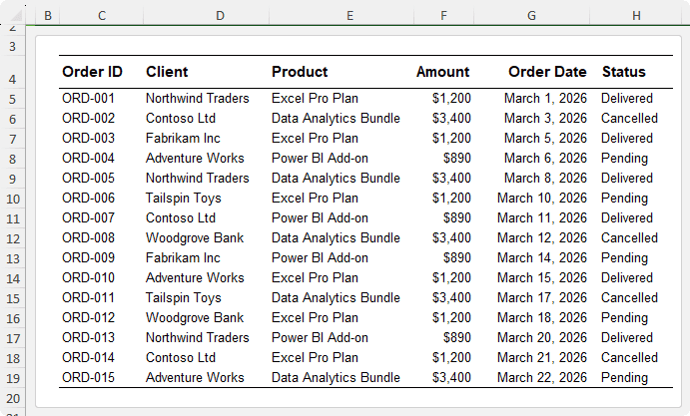
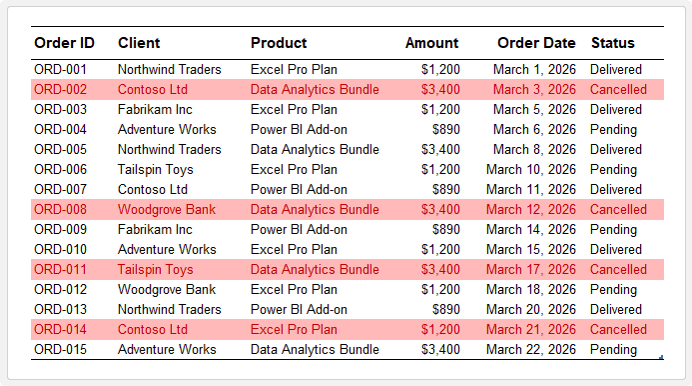
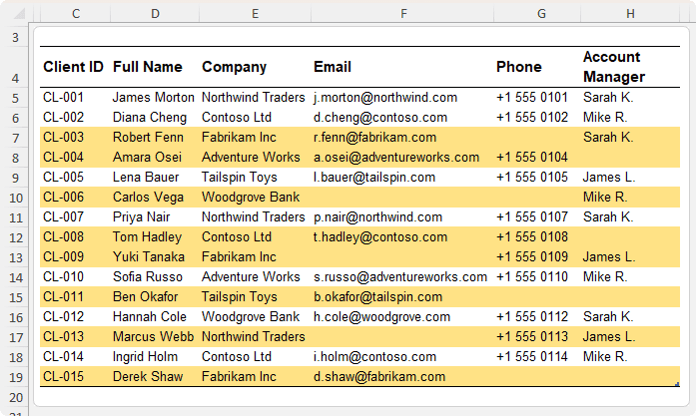
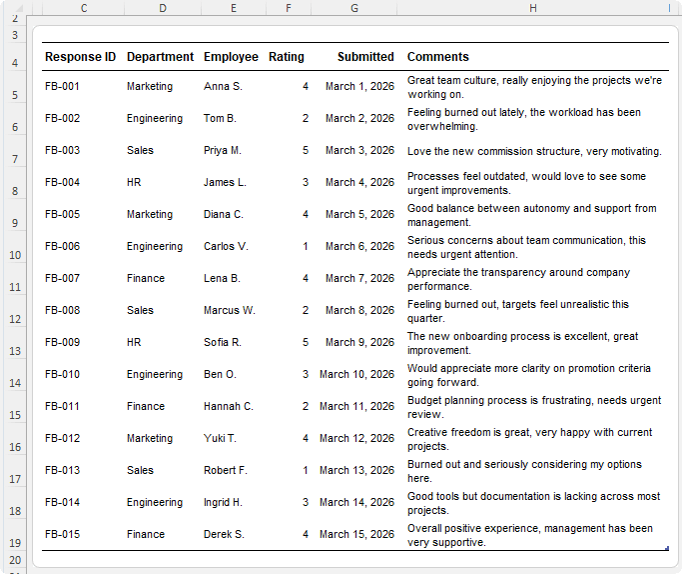
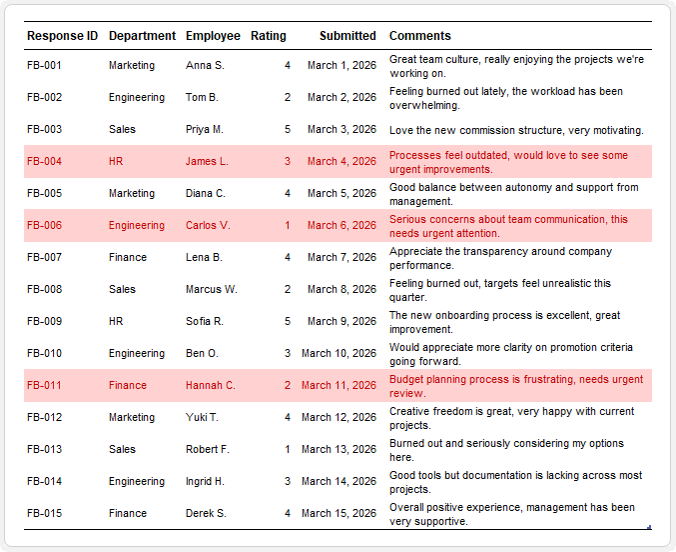
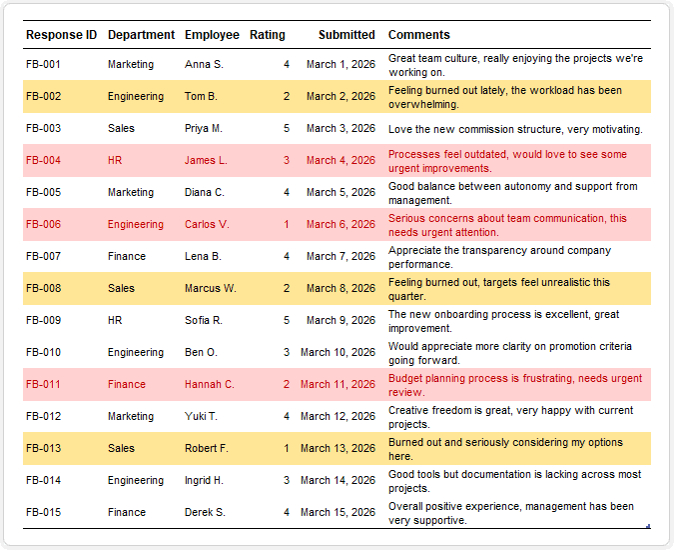
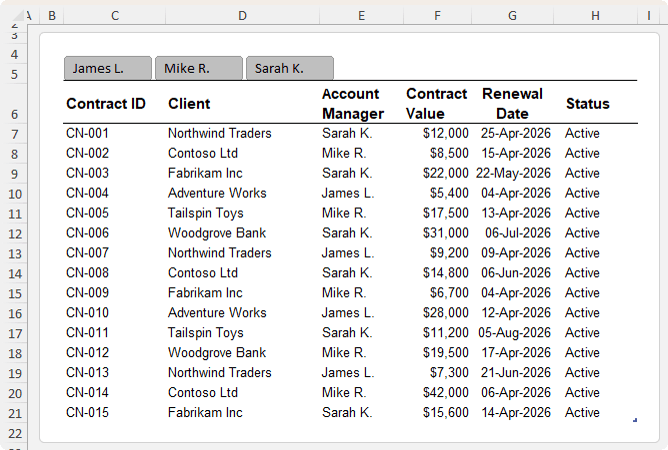
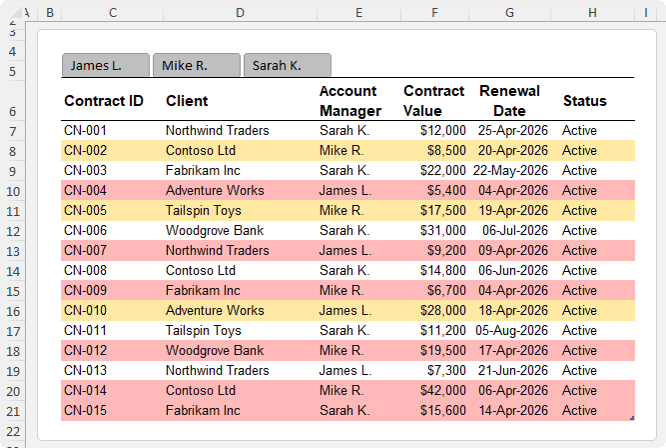
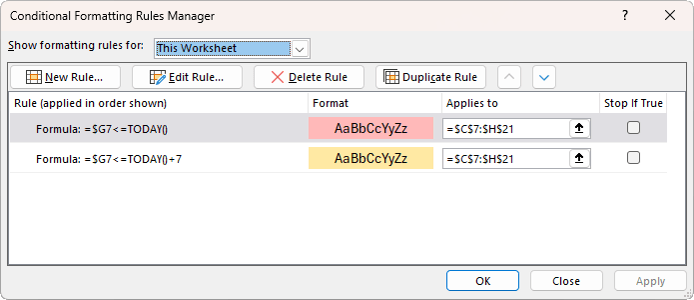
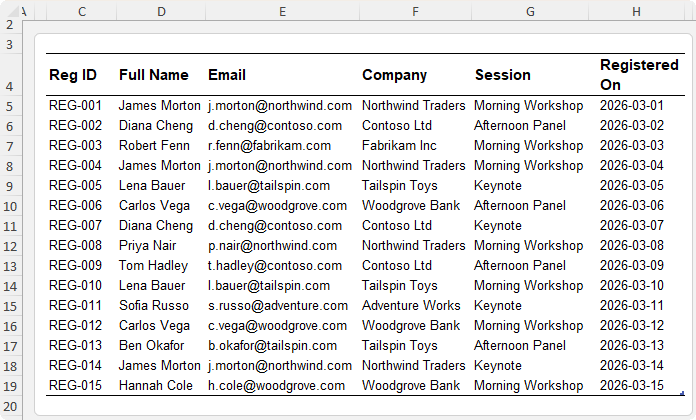
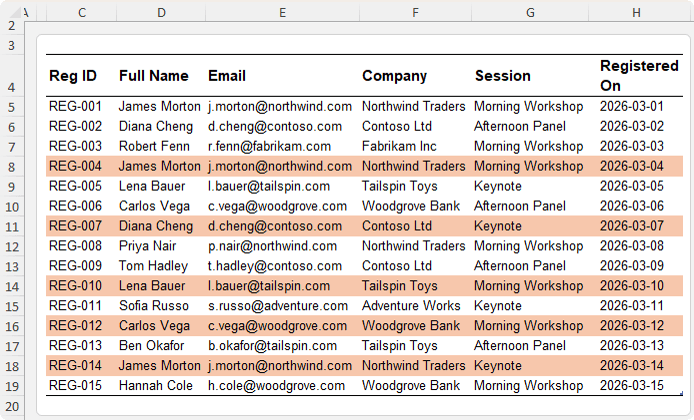
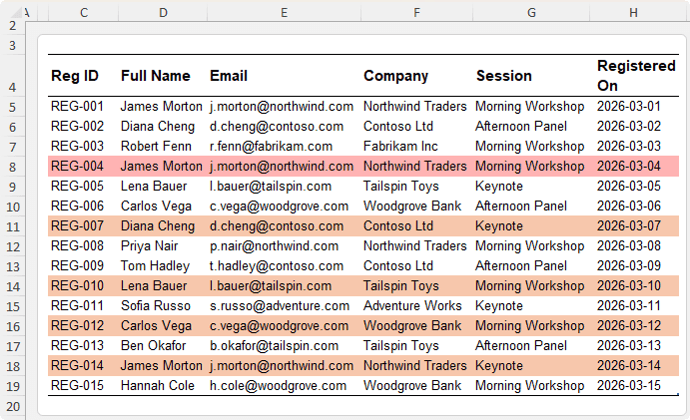
Formula-based conditional formatting allows you to highlight entire rows, flag missing data, catch errors, track deadlines, and more. All automatically and in real
time.
In this guide, you’ll learn practical, real-world examples you can apply immediately to stop manually scanning spreadsheets for issues.
Want to sponsor our newsletters? Just reply to this email to get in touch with
us.
Learn With Us
This email may contain affiliate links. This means I may earn a commission should you choose to make a purchase using my link. But we only promote courses we believe will benefit you.



 Learn With Us