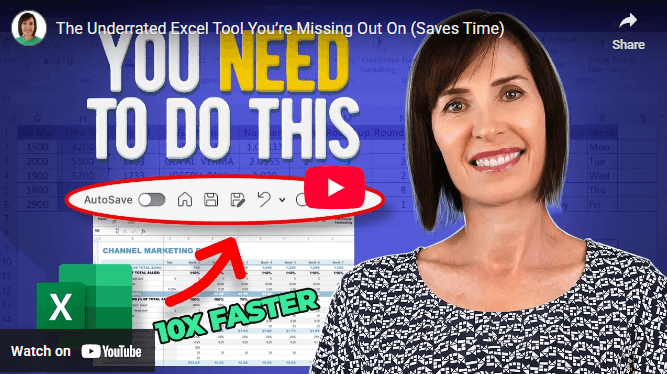
Hi , There's a productivity tool in Excel you see every day. But most people don't use it properly (or at all). The Quick Access Toolbar (QAT) sits at the top of Excel and when you customize it correctly, it becomes like a remote control
for your most-used commands. But most people get it wrong. They either ignore it completely, don't maximize its
potential, or worse - put the wrong shortcuts there, wasting Excel's most valuable real estate. What you should know to use the QAT properly: ✓ ALT key shortcuts - every icon gets a number (ALT+1, ALT+2...). ✓ First 9 positions matter most - automatic keyboard access. ✓ Hidden commands - features not even in the ribbon. ✓ Export your setup - transfer to any computer instantly. ✓ Community favorites - top commands worth adding. Want to know the correct way to configure your QAT? 🎥 Watch the full setup guide with the best commands here: Excel's Quick Access
Toolbar | 



 Learn With Us